

How to Speed Up Your Design Workflow with Icons and Illustrations in Elementsworx.
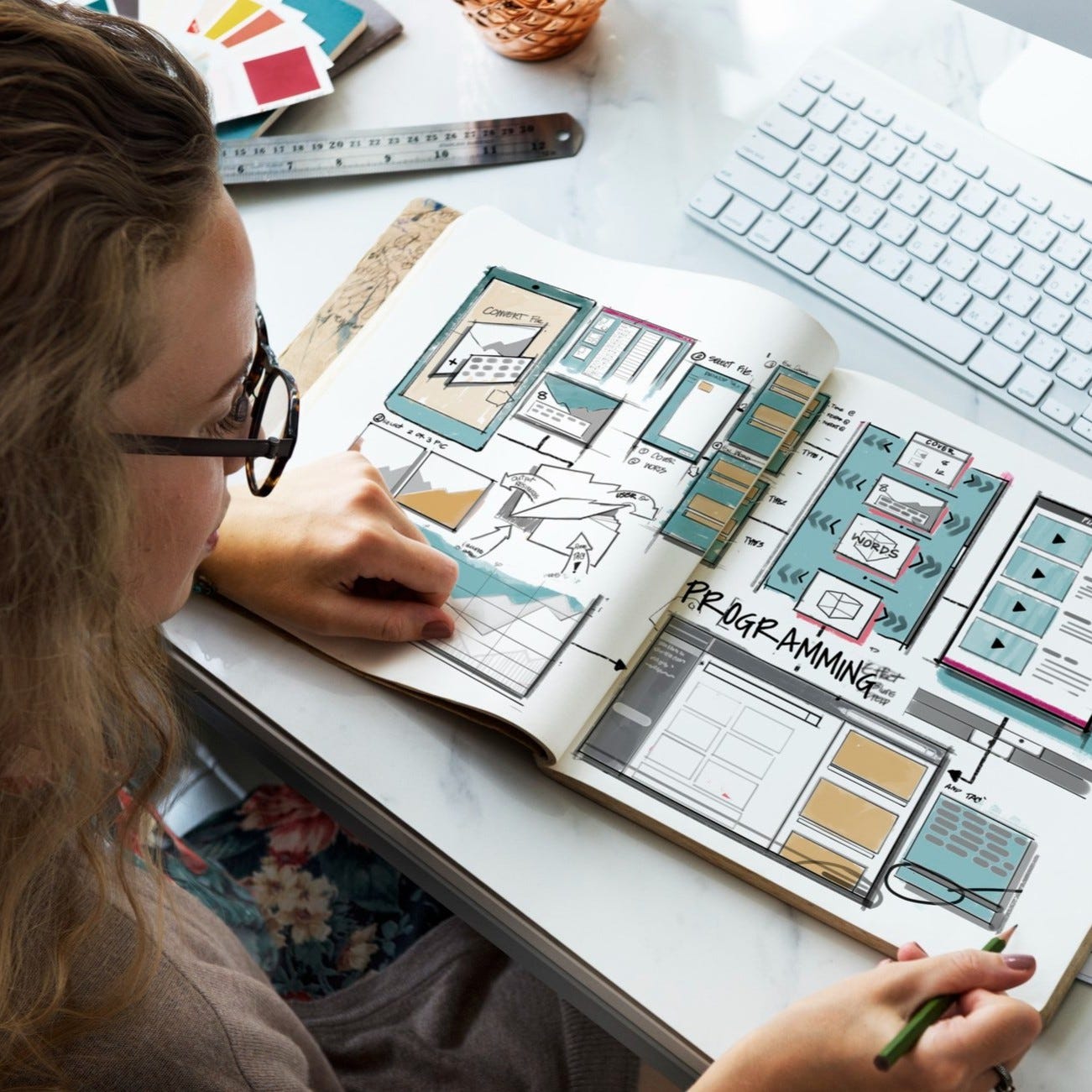
Designers, let's be honest, our to-do lists aren't getting any shorter. From wireframing to hi-fi mockups, stakeholder feedback, and client revisions, every minute counts. That's why optimizing your design workflow is more important than ever. And while we could sing praises about our favorite design tools (okay, we will later), this guide is here to help you focus on one thing: getting things done faster without sacrificing quality.
Let's explore how icons and illustrations, whether from Elementsworx, Streamline, Icons8, or IconScout can transform your creative pace, and how to build a workflow that flies.
1. Build a Reusable Visual Language
Before diving into your favorite plugin, start with building or selecting a consistent visual language for your project. That means choosing icon styles (outline, glyph, duotone), illustration aesthetics (flat, 3D, hand-drawn), and color palettes early in the process.
Why it matters:
-
Saves time rethinking visuals for every new screen
-
Keeps design consistent across teams or projects
-
Reduces decision fatigue (no more "which icon fits best?" every five minutes)
Pro Tip: Create a shared library in Figma with pre-approved icons and illustrations for your product or team. Most plugins let you favorite or save assets, use it like your design pantry.
2. Use Plugins That Support Smart Search & Categorization
Not all plugins are created equal. The ones that help you search quickly by keyword or browse by category are key time-savers.
What to look for:
-
Tag-based filtering (e.g., search "security" to find shields, locks, etc.)
-
Consistent naming conventions
-
Preview before insert
-
Batch insert or replace
Popular tools like Streamline and Icons8 are excellent for this. Elementsworx adds a twist with simplified filtering and packs that combine both icons and illustrations.
3. Skip Manual Styling with Customization Tools
Gone are the days of inserting assets and manually tweaking them to match your theme.
Look for plugins that let you:
-
Change stroke weight or fill color directly
-
Adjust size without losing quality
-
Switch between styles (lines/solid/dualtone)
This seemingly small feature can save hours across larger design projects. IconScout offers multi-style switching. Elementsworx lets you auto-adjust colors on insertion. Streamline also comes with variants for different visual weights.
4. Organize Your Asset Layers
Fast design isn't just about speed, it's about staying sane.
Use proper naming conventions for your icon and illustration layers. Group them logically, use variants where applicable, and maintain your design files like a tidy desk.
Why it matters:
-
Smoother collaboration
-
Easier handoff to developers
-
Reduced friction when updating designs later
Plugins that support variant libraries or auto-layering can help here.
5. Choose the Right Plugin for Your Workflow
Every designer has a favorite tool, and that's totally fair. But not every plugin suits every workflow.
-
Streamline: Ideal for deep, icon-heavy systems with rich customization.
-
Icons8: Great for illustrations and stock photo integrations.
-
IconScout: Balances icons, 3D illustrations, and Lottie animations.
-
Elementsworx: Designed for modern product design with a unified pack system.
Try them all. See what speeds you up. The best tool is the one that removes friction from your creative process.
6. Automate Repetitive Tasks with Shortcuts and Presets
If you find yourself inserting the same icons or illustrations regularly, use favorites, presets, and templates. Some plugins allow quick-reuse features especially if you've integrated them into your team library or component sets.
7. Stay Updated, Stay Fast
One common speed killer? Spending time hunting for fresh assets when you realize your icons are outdated or missing something.
Choose tools that regularly update their content. Elementsworx, for instance, adds new icons and illustrations every month. Streamline also offers seasonal and trend-based updates.
Having fresh visuals readily available reduces the time you'd otherwise spend creating or searching for the perfect asset elsewhere.
In Conclusion: Speed Comes from Systems
The fastest designers aren't the ones who rush, they're the ones who build reliable systems. Whether you're team Elementsworx or a longtime fan of Icons8, remember: pick your tools based on how well they fit into your workflow.
Icons and illustrations might seem like small design elements, but managing them wisely can save you hours every week. So go ahead, audit your current workflow, try out a few new plugins, and streamline your assets like a boss.
More from Enamo Studios
Enamo Studios is a design-driven creative studio focused on art direction, graphic design, and digital product development.